Create Materials
Work with Shiftic to create implementation materials. You can build from scratch, iterate in chat, format into tables, and upload existing content to shape new material.
When you reach the point of delivery or testing, you’ll need solid materials to make your initiative work in practice. Shiftic helps you create and refine those materials quickly, building everything from facilitator scripts to participant emails and presentation outlines.
How to get started building materials
Start by opening the
intervention you want to build from. In this example, we’re creating a facilitator script for a kick off.
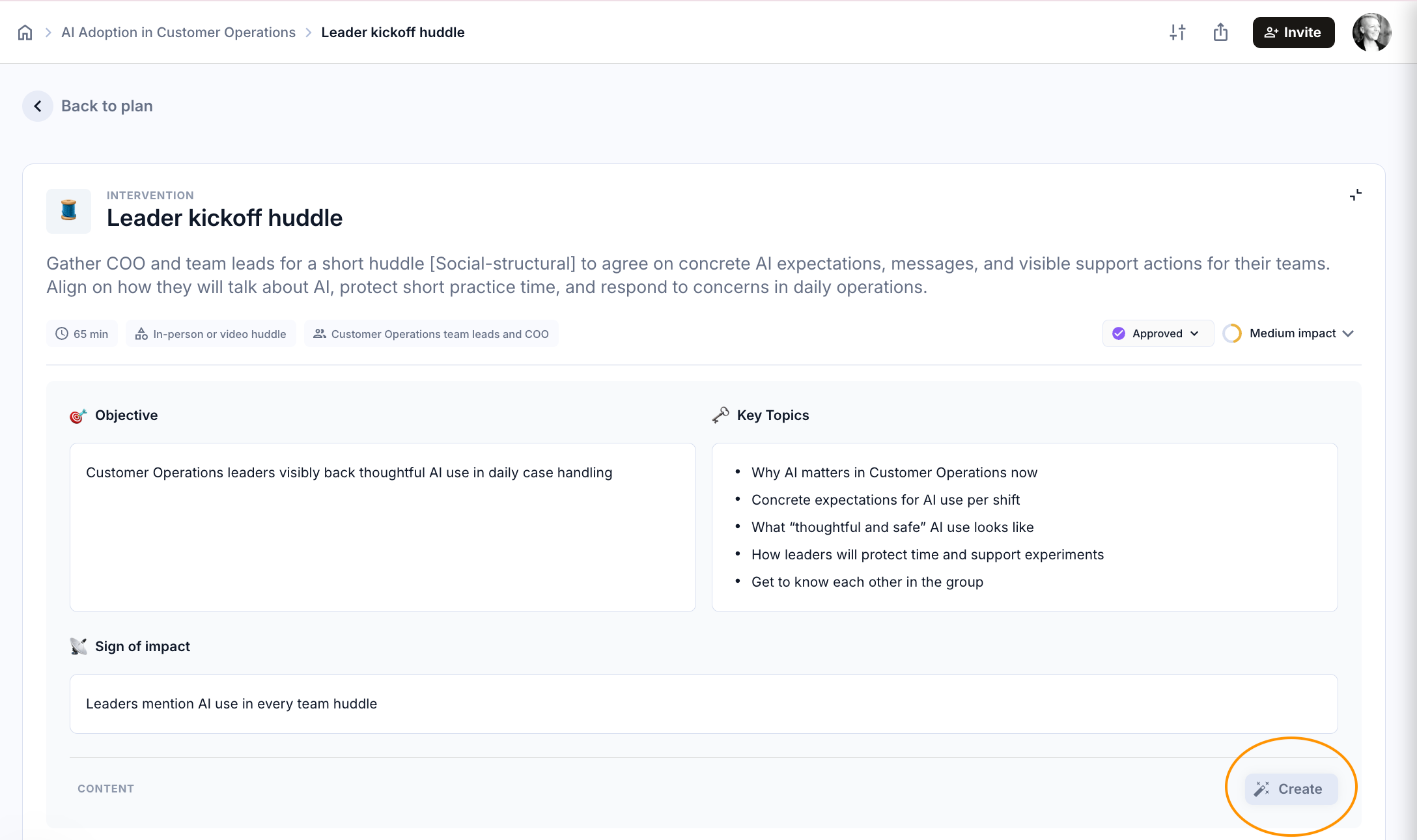
Once you hit the create button, Shiftic will suggest content you might need, if you want something different, just type it in the text box.
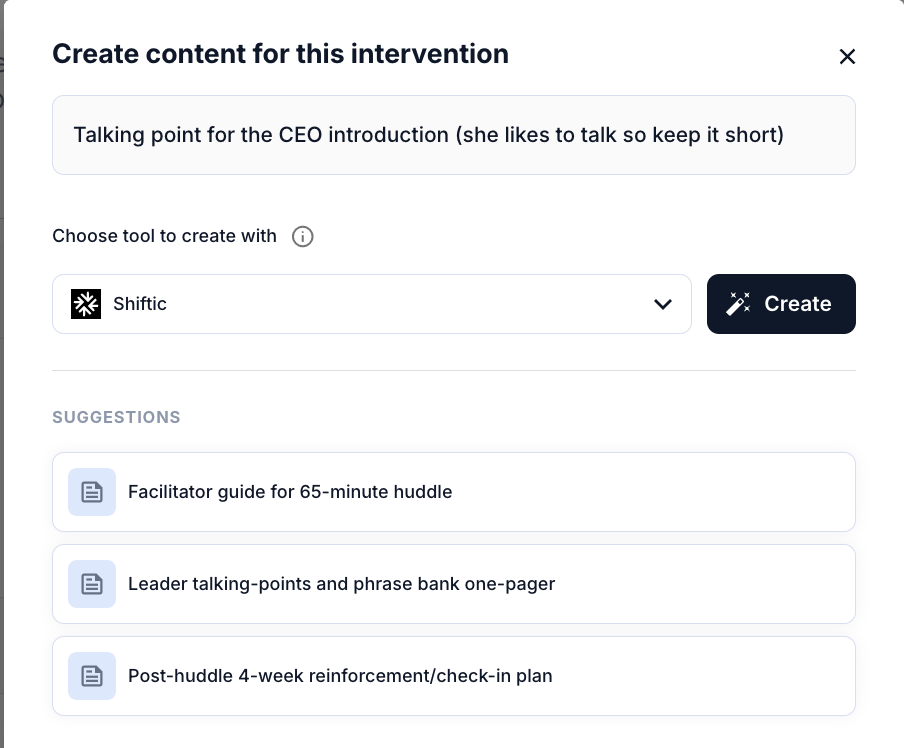
Shiftic can make a wide range of materials for you
You’ll see that it structures the draft clearly, with sections, objectives, and placeholder text for the people involved. If you want to format it differently, you can ask Shiftic to convert it into whatever you need.
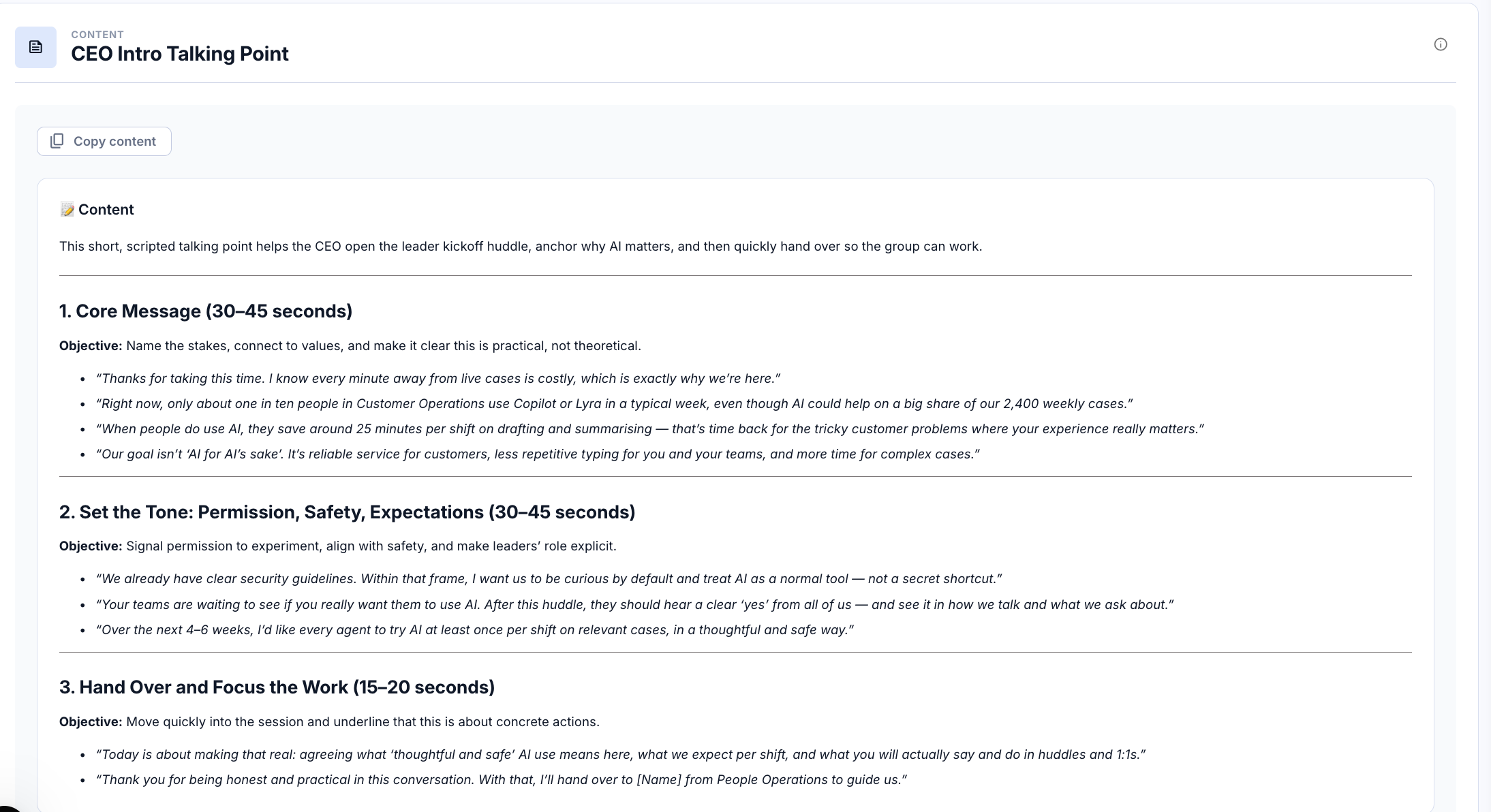
Once you’re happy with that piece, save it and move on to the next. For instance, if you’re running a scenario-based onboarding workshop, you might want to create pre-event email communications to brief participants. Again, scroll down to content check what Shiftic suggests, or simply tell it what you need: e.g. “create pre-workshop email comms”.
Edit the materials directly, or with Shiftic’s help
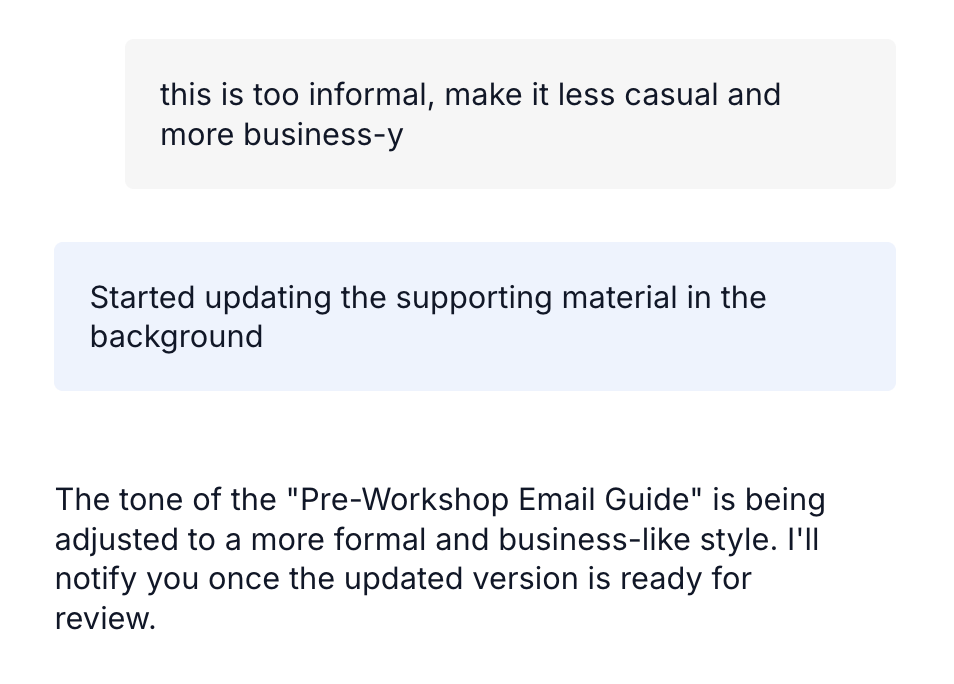
Shiftic will generate a draft that includes the message, tone, and structure. If the tone isn’t quite right, you can adjust it directly in the chat. Ask for a more formal or more casual version, and Shiftic will rewrite it instantly, ready for you to fine-tune with your own links and names.
Upload documents to provide more context
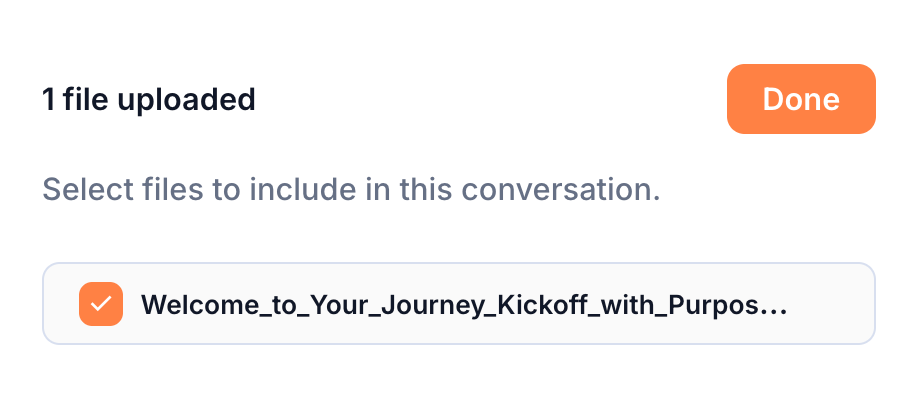
You can also use existing material as input. For a kickoff session, for instance, upload a previous presentation or script and tell Shiftic to use it as a reference. It will pull through useful elements, tone, structure, phrasing, and apply them to your new content. This makes reuse and consistency easy across different programmes.
From there, you can keep refining. Edit specific lines, add new slides, or update the language for your current audience. The goal isn’t to produce something final in one go, it’s to build smart, adaptable materials that make delivery smoother.
Shiftic takes care of the structure and formatting so you can focus on what matters: making sure every piece of material supports the experience you’re trying to create.
Was this helpful?
Still need help? Ask the team