Create a High-Level Plan
In this tutorial, we walk through how to transform a well-defined Brief into a clear, structured Plan.
Once you’ve refined your brief and you’re happy that it captures the essentials - current state, desired state, theory of change, and constraints - you’re ready to build a high-level plan.
How to get started
Click the create plan button to activate Shiftic’s planning agent. It uses what it knows from your brief to draft a structured, sequenced plan. You’ll eventually see a full outline with suggested interventions, each one showing what it is, how long it takes, and what impact it has.
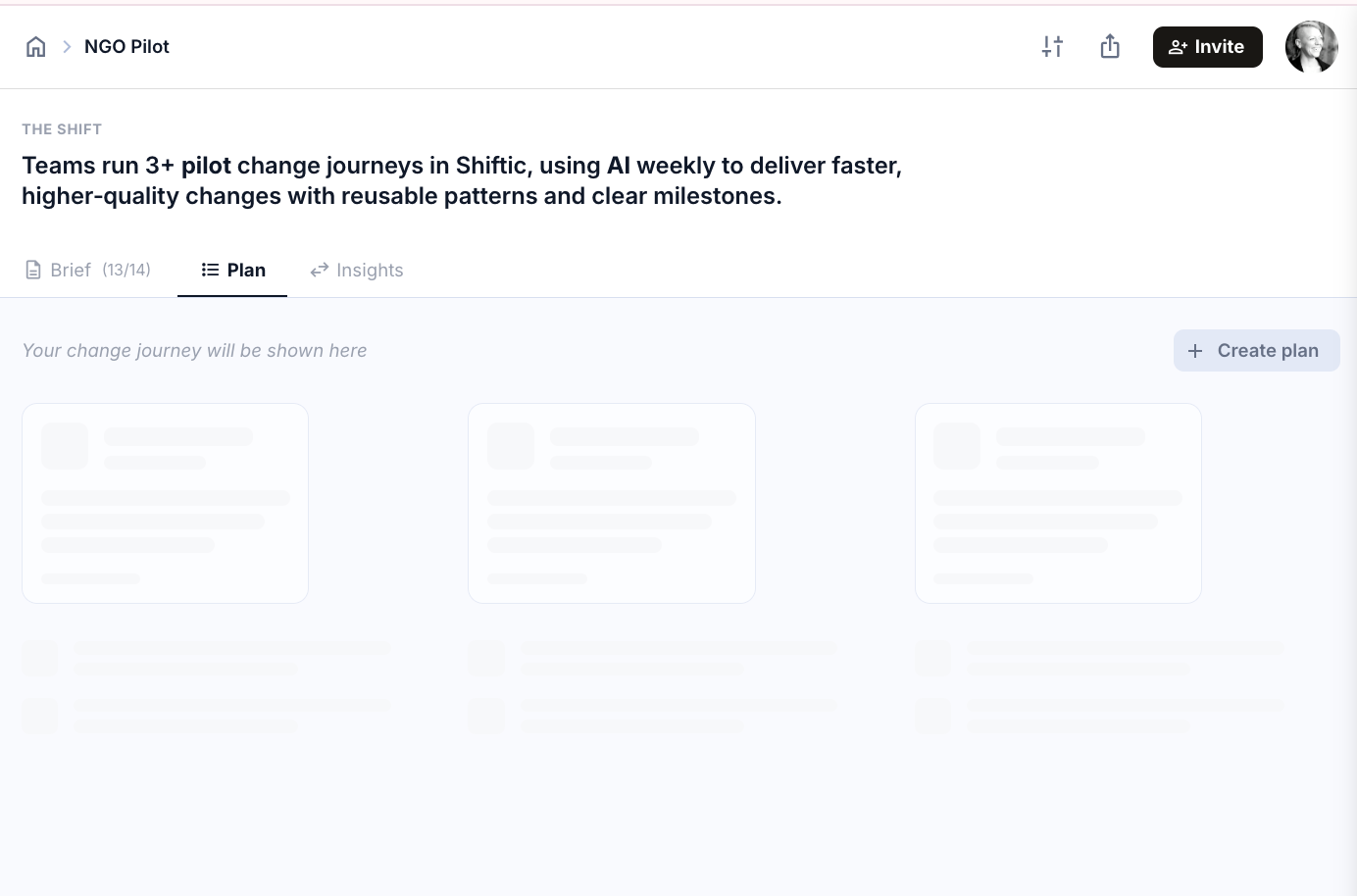
Pick an approach
Shiftic reads your Brief and proposes a few viable approaches based on your goal, constraints, and timeline.
For an AI adoption Shift, the options might look like:
A. In-shift habit journey. Small, repeated practice during real work.
B. Short launch + practice sprints. A focused kickoff, then a few structured sprints anchored in team meetings.
C. Leader-led push. Heavy emphasis on team leaders modelling and reinforcing the behaviour.
Each one carries a different design logic. Pick the pattern that best matches your reality, and Shiftic uses it as the backbone for the rest of the Plan.
If none of them quite fit, ask for new suggestions or type what approach you would like to see instead.
Preview the suggestion
Once you’ve chosen, Shiftic drafts the full set of Interventions and shows them as suggestion before anything lands in your Plan.
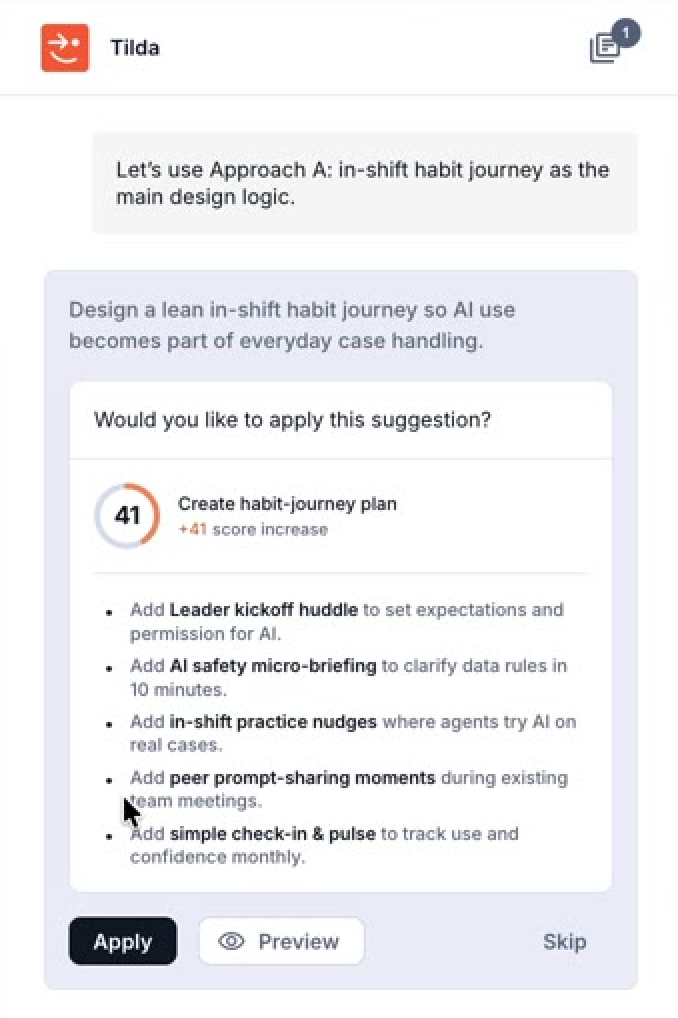
Click Preview to see the detail, Apply when you’re ready to use the suggestion, or Skip to keep exploring
If the plan feels too detailed or too heavy for your needs, just tell Shiftic. You can ask for a leaner version and Shiftic will simplify things, maybe reducing delivery time, cutting interventions, or combining interventions. Bear in mind that this may affect your Behavior Change Score!
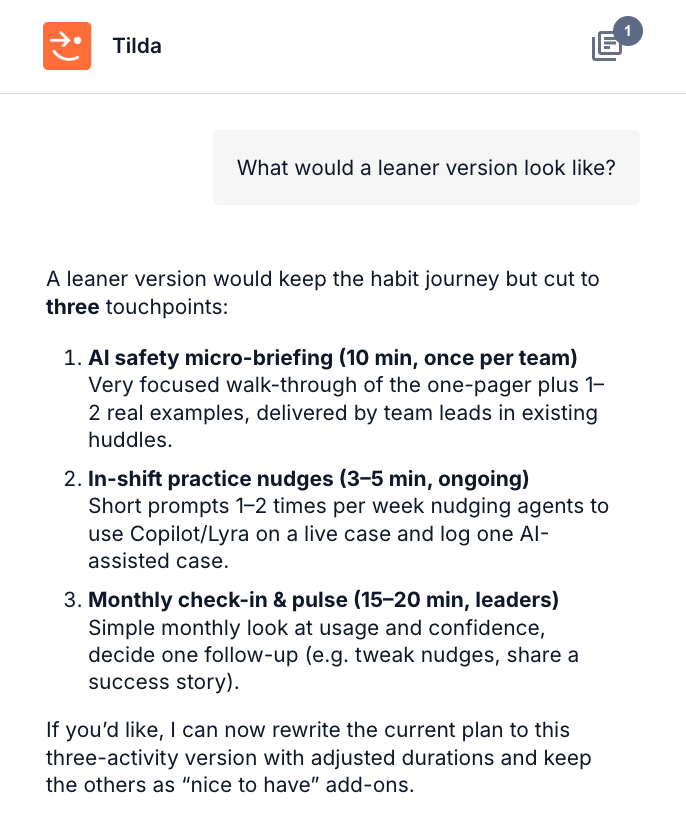
When you're happy the plan that Shiftic has mapped out, you can edit directly within the planning window. You can tweak wording, shift the order of interventions, or remove what you don’t need.
Add more interventions
If you want to add something new, click Add Intervention, describe what you want - maybe a follow-up group session a few months after the main experience - and Shiftic will build it into the plan for you. You can adjust timing, update descriptions, or delete interventions altogether if budgets or priorities change.
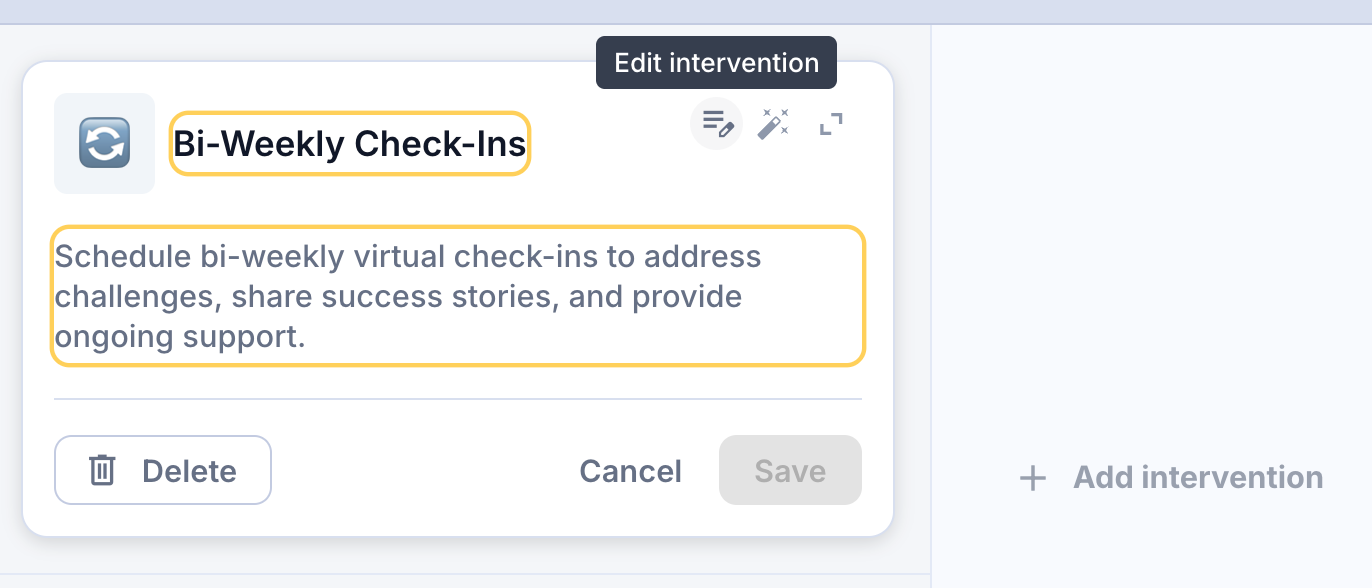
Once your structure feels complete, you can dive deeper into each intervention. This is where you start to design the experience itself - adding objectives, topics, and implementation materials that will bring each part of the plan to life.
By this point, you’ll have moved from a clear brief to a working plan - one that’s flexible enough to evolve and detailed enough to guide delivery.
Was this helpful?
Still need help? Ask the team