Getting Started with Shiftic
Welcome to Shiftic, the system for running behavior change. Tilda is your AI coworker inside the platform.
Together you'll go from defining what needs to shift, to running your first activity, to seeing what worked and adjusting what comes next. Every activity you run and analyse will make your plan sharper and more attuned to your team and context.
The steps below aim to give you an introduction to Shiftic’s most important features, you don’t have to do them all, nor do you have to do them in the order that they are listed. Enjoy the process of getting to know the platform!
Let's get started!
Get oriented
Watch the demo and explore an example project to see Shiftic in action. It's the fastest way to understand how everything fits together before you dive in.
Create your project
When you open Shiftic and create a new project, the first thing you’ll do is to choose if you want to Plan a Shift (a full change journey) or design a single intervention (like a workshop, or a meeting).
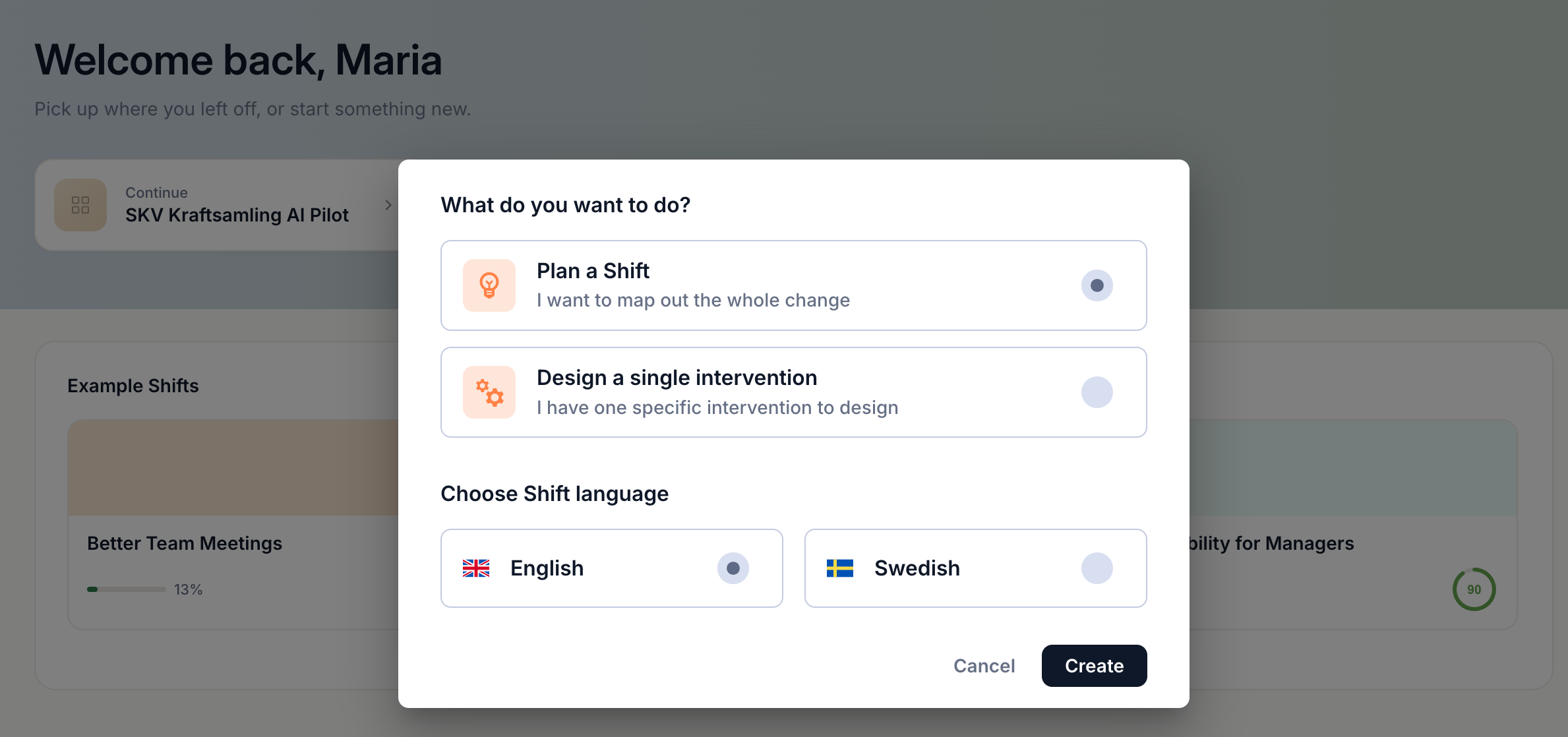
This is your workspace for everything — brief, plan, activities, materials, and results — all in one place. When you enter the workspace, start by giving your Shift a name.
Fill out your brief
Work with Shiftic to define what you're trying to change, for whom, and why. You will get guided through the brief — current state, desired state, theory of change, and constraints. If you have existing documents or material Shiftic will use them as context.
For more details you can read through these articles:
Create a brief
Upload documents
Create your plan
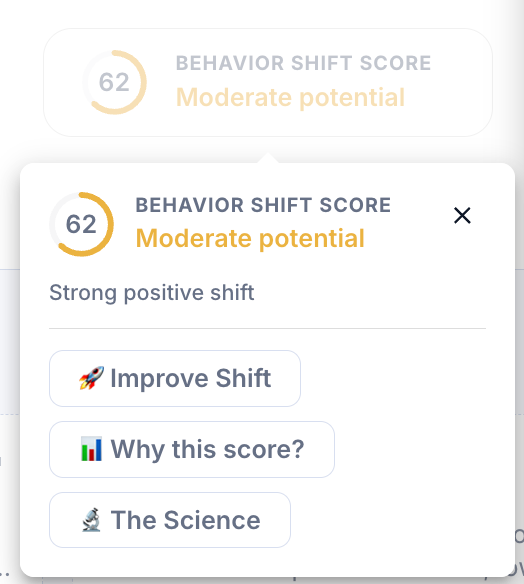
With your brief as the foundation, let Shiftic generate a structured, sequenced plan for your project. You will get suggest activities, timing, and a Behavior Shift Score®, a science-based indicator of how well your shift is set up to drive change. Refine, reorder, or add activities until the plan feels right. Shiftic can create activities from scratch or you prompt it to use your existing meeting structures.
For more details you can read through these articles:
Create a high-level plan
Improve your Behavior Shift Score®
Before diving into your activities, check your Behavior Shift Score®. The score is a science-based indicator of how well your shift is set up to drive behavior change, and how you can strengthen it.
Understand and improve your Behavior Shift Score
Invite a colleague
Getting people on the same page used to take weeks. Invite a subject matter expert, stakeholder, or team member directly into your project and co-create with Tilda. You decide who can view and who can edit.

Plan an intervention
Work with Shiftic to plan your first intervention. This might be a meeting, workshop, communication, or experience that will support the behavior shift. Shiftic will help you create the structure, set objectives, a detailed timeline for the activity.
Dig deeper into planning interventions
Create materials
Create everything you need to run your activity. Facilitator guides, participant emails, scripts, or presentation outlines.
Create materials
Shiftic to PowerPoint with Copilot
Close your first Impact Loop
Run your activity, then come back to Shiftic to mark it as delivered. Log your observations, get an assessment, and apply the recommended actions. You'll always know what worked, what didn't and what to do next.
Understand the impact of your interventions
Export your work
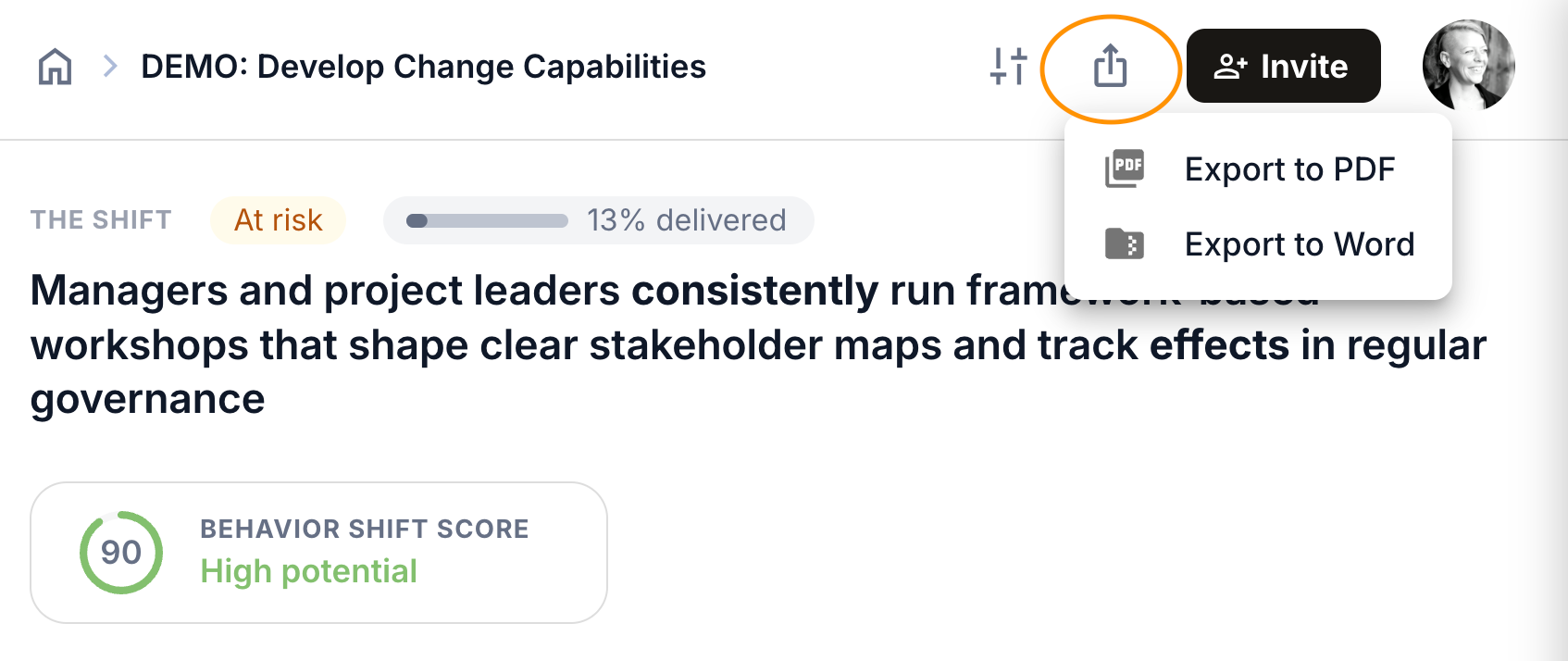
Everything you create in Shiftic can be exported, your brief, plan, or materials. You can export them as a PDF or Word for you to edit and upload into other platforms.
Well done! If you’ve worked your way all the way to here - you’re starting to master Shiftic!
Was this helpful?
Still need help? Ask the team